
BobDyn/BobSim
BobDyn/BobSim is the high-fidelity vehicle analysis workspace for BobDyn. It takes BobDyn/BobLib Modelica vehicle models, builds OpenModelica executables, runs repeatable studies, extracts signals, computes metrics, renders plots, and writes public review artifacts.
The normal entry point is the BobSim app. Use the released desktop executable for day-to-day work, or run the same app from a source checkout when developing. It configures the active vehicle, writes the generated Modelica definition, launches StandardSim workflows, and inspects reports, metrics, logs, and saved result snapshots.
Use BobDyn/BobSim when the question is about vehicle response: how the car behaves in a standard maneuver, which limit is active, how a parameter change moves a metric, or whether a design direction deserves deeper model work.
Use BobDyn/BobLib when the question is about the low-level model itself: Modelica package structure, VehicleInterfaces integration, records, tire models, suspension assemblies, direct OMEdit inspection, or initialization debugging.
Operating Model
BobSim keeps the physical model and the analysis workflow separate.
The app path is:
- Choose or create a vehicle in
Setup. - Save the vehicle.
- Click
Write to MBDto generate the Modelica vehicle definition. - Open
Simulation, configure a workflow, then build and run it. - Open
Archiveto download the PDF report, metrics, and per-run signal archive.
The CLI path is the same workflow as commands: build the relevant standard model, run a standard/envelope/sensitivity workflow from YAML configs, then inspect the report, metrics CSV, plots, or aggregate table.
Vehicle setup is managed through app vehicle YAML and the generated Modelica definition, while BobLib remains the physical model library. BobSim workflow YAML owns case definitions, solver settings, runtime overrides, output extraction, plotting, and reporting.
Text version
- The BobSim app (Setup / Simulation / Archive) drives the BobLib model library (generated vehicle definitions) and the BobSim workflow YAML (cases and runtime overrides).
- The model library feeds the BobLib standard entry point: VehicleSim or FourPostSim.
- The entry point and the workflow YAML feed the OpenModelica executable.
- The executable writes BobSim outputs: reports, metrics, plots, sensitivities.
- The outputs go back to the app.
Repository Layout
| Path | Role |
|---|---|
makefile | Public command language for setup, build, run, test, and cleanup |
Dockerfile | OpenModelica and Python environment |
docker-compose.yml | Workflow services used by the make targets |
requirements.txt | Python analysis/reporting dependencies |
_0_Utils/ | Shared utilities, plotting, reporting, and the BobLib submodule |
_0_Utils/external/BobLib/ | BobDyn/BobLib Modelica library checkout |
_1_VisualSim/ | Experimental/offline visualization templates; app preview and OMEdit cover normal visualization |
_2_EnvelopeSim/ | Optional GGV and YMD envelope calculations implemented separately from the Modelica standard workflows |
_3_StandardSim/ | RampSteerEval, SteadyStateEval, TransientEval, and FourPostEval |
_4_OptSim/ | Sensitivity and response-surface workflows |
_5_App/ | Local browser app for setup, simulation launch, result review, and saved app libraries |
tests/ | Release-polish and workflow regression checks |
Quick Start
For normal use, download the BobSim desktop asset for your operating system from the GitHub Release, extract it, and run BobSim.
The desktop app bundles the Python backend and embedded frontend. OpenModelica and generated simulation executables stay local to the user's machine.
For source-checkout development, run the app in Docker. You need Git, Make, and Docker. The BobSim image contains OpenModelica and Python:
git clone --recurse-submodules https://github.com/BobDyn/BobSim.git
cd BobSim
make init
make docker-build
make app
Then open:
http://127.0.0.1:8765Use the app path first:
Setup -> Save Vehicle -> Write to MBD -> Simulation -> Archive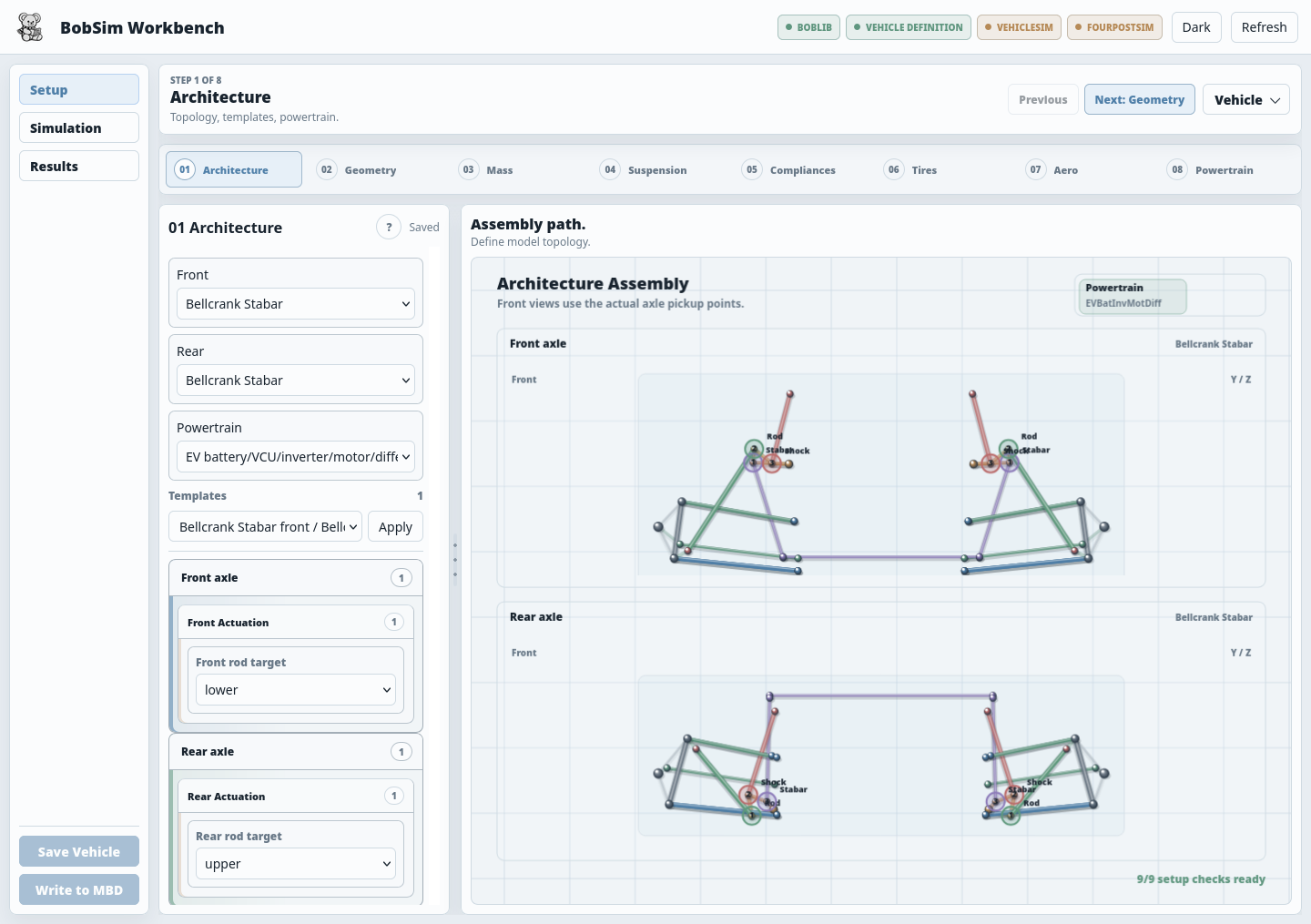
The CLI workflows run in the same image:
make helpRun the high-fidelity baseline:
make standard-eval-allThat target builds missing Modelica executables, then runs RampSteerEval, SteadyStateEval, TransientEval, and FourPostEval against the active BobLib model definitions and BobSim workflow configs.
Target Language
BobSim's make targets are intentionally compact and prefix-driven:
| Area | Primary commands | Purpose |
|---|---|---|
| App | make app | Launch the source-checkout browser workbench |
| Deploy | make deploy, make deploy-release | Build the native BobSim desktop artifact for the current OS |
| Docker | make docker-build, make docker-rebuild | Build the reproducible OpenModelica/Python environment |
| Shells | make shell, make shell-standard, make shell-envelope, make shell-opt | Open interactive workflow contexts |
| StandardSim | make standard-build, make standard-eval-all | Build and run high-fidelity Modelica evaluations |
| EnvelopeSim | make envelope-ggv, make envelope-ymd, make envelope-all | Generate reduced GGV and YMD envelope outputs |
| OptSim | make opt-standard, make opt-envelope, make opt-refined | Run sensitivities and response-surface workflows |
| Quality | make lint, make typecheck, make test, make ci | Run release checks |
| Cleanup | make clean-standard, make clean-envelope, make clean-opt, make clean-all | Remove build and result artifacts |
Run make help for the exact target list in the current checkout.
Documentation Map
| Page | Use it for |
|---|---|
| App | Setup, Simulation, Archive, saved vehicles, saved configs, and local run packages |
| Configuration | Workflow YAML, runtime flags, report and plot config |
| StandardSim | RampSteerEval, SteadyStateEval, TransientEval, FourPostEval, runners, reports |
| LotusShark Import | Importing Lotus SHARK suspension geometry, the vertical datum check, and the kinematic overlay report |
| Archive | Local run packages, metrics CSVs, raw case artifacts, preservation |
| EnvelopeSim | Optional GGV and YMD envelope calculations |
| OptSim | Standard sensitivities, envelope sensitivities, refined response surfaces |
| Development | Docker, local Python, make targets, quality checks, troubleshooting |
In-progress tooling:
| Page | Use it for |
|---|---|
| VisualSim | Inactive/offline visualization tooling; app preview and OMEdit cover the normal visual paths |
What To Run First
For a first user workflow, launch the downloaded BobSim executable or run make app from a source checkout.
Then run through:
Setup -> Save Vehicle -> Write to MBD -> Simulation -> Archive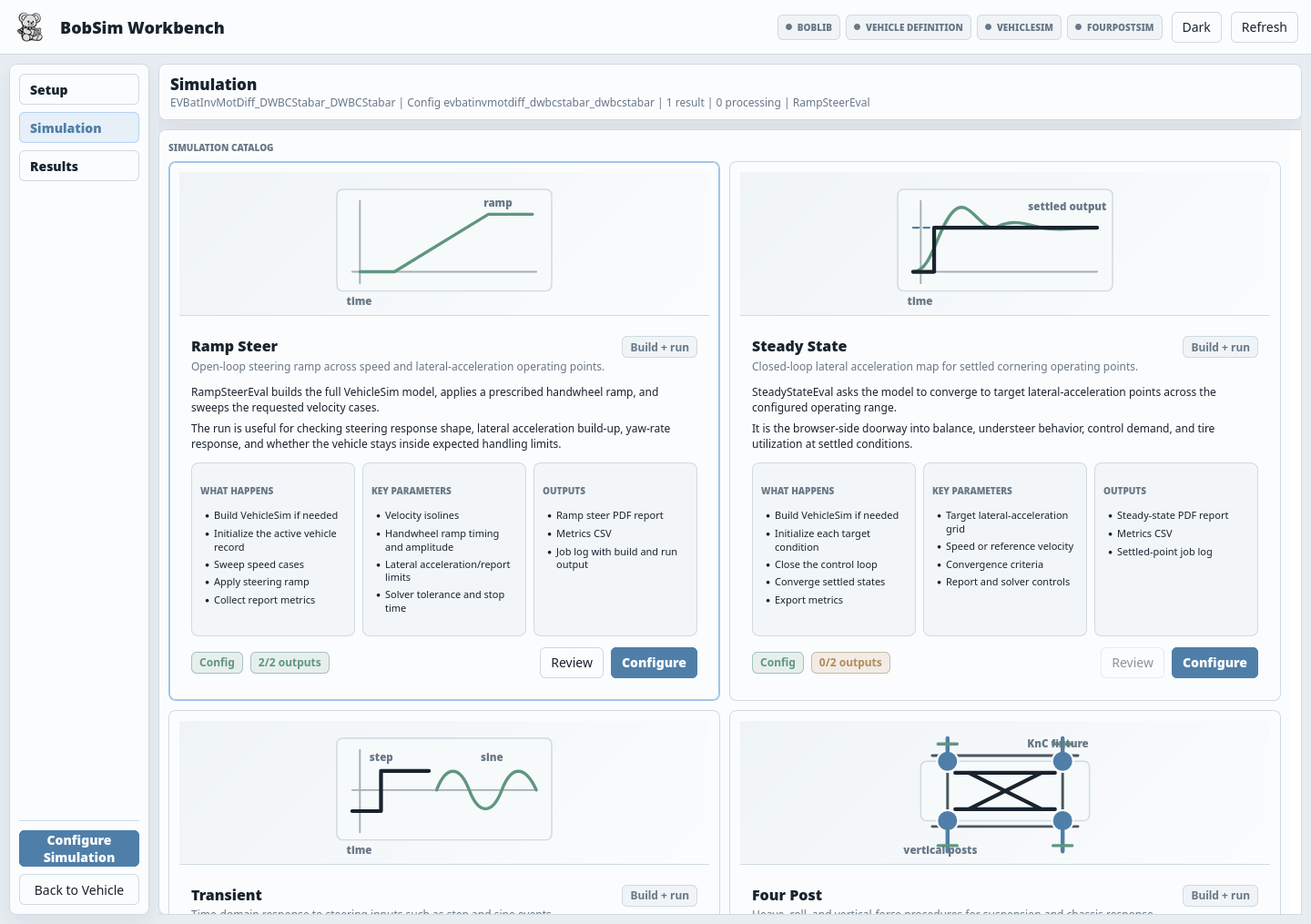
For a scripted release baseline:
make standard-eval-all
make ci
Expected standard outputs:
_3_StandardSim/generated_results/ramp_steer_eval_report.pdf
_3_StandardSim/generated_results/ramp_steer_eval_report_metrics.csv
_3_StandardSim/generated_results/steady_state_eval_report.pdf
_3_StandardSim/generated_results/steady_state_eval_report_metrics.csv
_3_StandardSim/generated_results/transient_eval_report.pdf
_3_StandardSim/generated_results/transient_eval_report_metrics.csv
_3_StandardSim/generated_results/four_post_eval_report.pdf
_3_StandardSim/generated_results/four_post_eval_report_metrics.csv

_3_StandardSim/results/steady_state_eval_report.pdf
_3_StandardSim/results/steady_state_eval_report_metrics.csv
_3_StandardSim/results/transient_eval_report.pdf
_3_StandardSim/results/transient_eval_report_metrics.csv
_3_StandardSim/results/four_post_eval_report.pdf
_3_StandardSim/results/four_post_eval_report_metrics.csv
Optional envelope outputs:
_2_EnvelopeSim/results/ggv_report.pdf
_2_EnvelopeSim/results/ggv_report_metrics.csv
_2_EnvelopeSim/results/ymd_report.pdf
_2_EnvelopeSim/results/ymd_report_metrics.csv
Public Release Posture
BobSim is built to make results traceable:
- Vehicle inputs are saved as app vehicle configs and generated Modelica definitions.
- App vehicle/config snapshots are stored alongside saved result bundles.
- Workflow cases and runtime settings are plain YAML.
- Simulation overrides are written as text files.
- Metrics are exported as CSV.
- Reports come from the same configs that ran the studies.
- Sensitivity variants are materialized as per-variant Modelica records and result tables.
- The command language is small enough to remember.
The aim is that a public report metric can be traced back to the workflow config, extracted signals, compiled Modelica executable, and active vehicle record.
EnvelopeSim should be read in that same spirit: it is a separate, transparent implementation of common vehicle envelope calculations such as GGV and YMD maps. These calculations appear in many vehicle dynamics toolchains. BobSim's implementation is intended to be sane and usable when desired, not the gold standard or the canonical reference for envelope theory.