
Archive
BobDyn/BobSim writes results in predictable workflow-specific directories. The public alpha path is the app's Archive view: review the generated PDF, download metrics, and download the per-run signal archive for any local run. Debug artifacts are per-case run directories, OpenModelica logs, override files, generated result CSVs, and compiled build artifacts.
In-app plotting and ad-hoc processing are intentionally gated off for the alpha. Users run simulations and review the PDF, metrics CSV, and raw signal bundle.
App Archive
Use the app's Archive view after a simulation run, or click Review on a Simulation card when outputs exist.
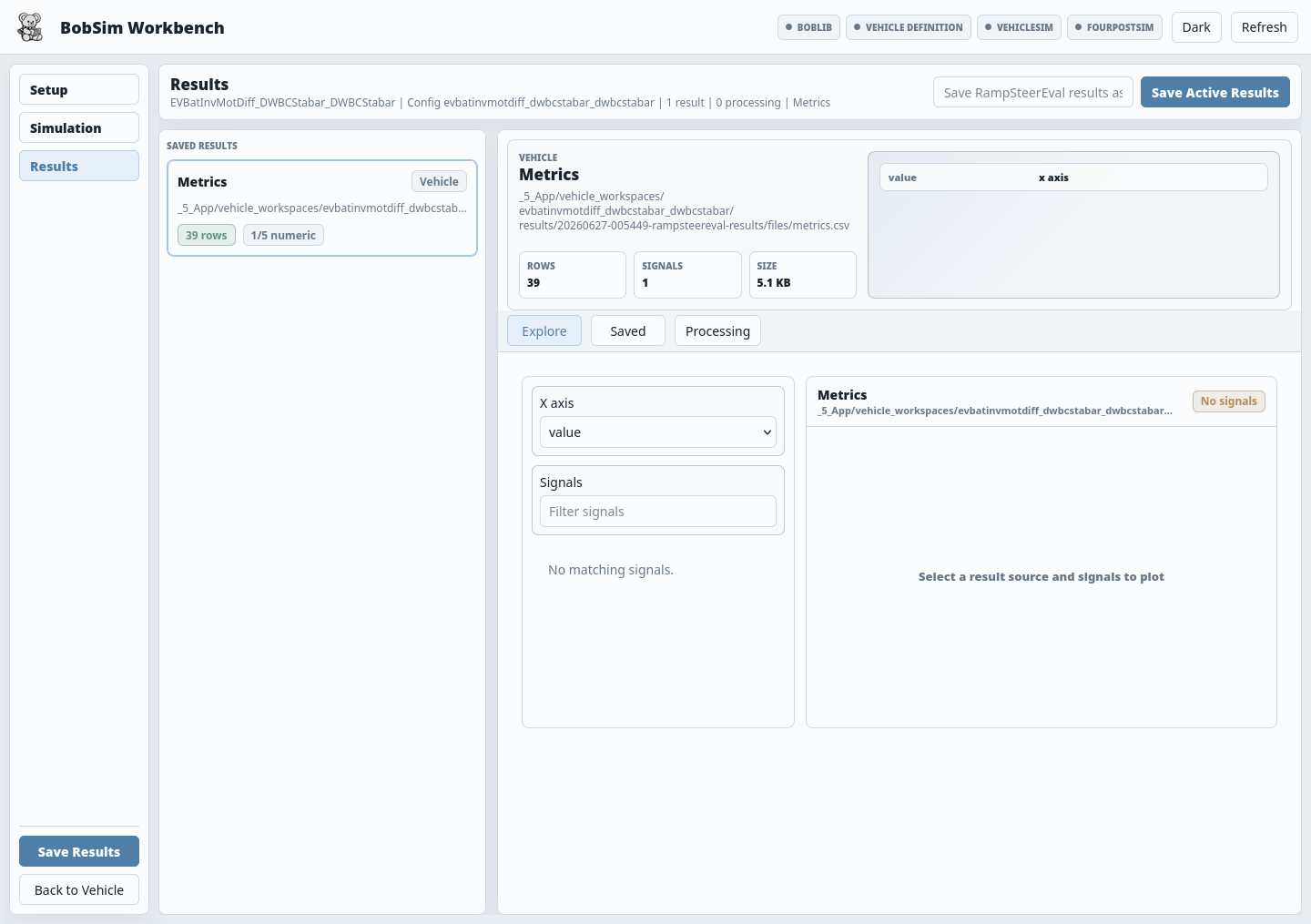
After a Simulation job succeeds, BobSim creates a local archive package automatically. Each package can include:
report.pdfmetrics.csvsignals.ziprun-description.json- the active vehicle YAML
- the active run config YAML
manifest.json
The signals.zip archive is organized by run:
manifest.json
runs/
  001-case-name/
    signals.csv
    overrides.txt
    run.log
    description.json
Saved app archive packages are written under:
_5_App/user_data/results/saved/Vehicle-scoped app workspaces live under:
_5_App/user_data/workspaces/vehicles/Use Delete from an Archive card or selected run detail to remove a local run. BobSim removes both the global package and the vehicle-workspace mirror.
FourPostEval reports omit raw time-series appendix pages by default. Use signals.zip when you need the retained per-run signal tables, overrides, logs, and descriptions.
StandardSim Results
StandardSim app-registered outputs live under:
_3_StandardSim/generated_results/CLI-oriented public outputs may also live under:
_3_StandardSim/results/Common report artifacts:
_3_StandardSim/generated_results/ramp_steer_eval_report.pdf
_3_StandardSim/generated_results/ramp_steer_eval_report_metrics.csv
_3_StandardSim/generated_results/steady_state_eval_report.pdf
_3_StandardSim/generated_results/steady_state_eval_report_metrics.csv
_3_StandardSim/generated_results/transient_eval_report.pdf
_3_StandardSim/generated_results/transient_eval_report_metrics.csv
_3_StandardSim/generated_results/four_post_eval_report.pdf
_3_StandardSim/generated_results/four_post_eval_report_metrics.csv

_3_StandardSim/results/steady_state_eval_report.pdf
_3_StandardSim/results/steady_state_eval_report_metrics.csv
_3_StandardSim/results/transient_eval_report.pdf
_3_StandardSim/results/transient_eval_report_metrics.csv
_3_StandardSim/results/four_post_eval_report.pdf
_3_StandardSim/results/four_post_eval_report_metrics.csv
Use the PDF first when reviewing a vehicle. Use the metrics CSV when comparing runs, driving a notebook, or feeding another analysis stage.
Metrics CSVs
Representative metric groups:
| Workflow | Examples |
|---|---|
| RampSteerEval | lateral acceleration range, steering gradients, yaw/roll trends, limit-point derivatives |
| SteadyStateEval | lateral acceleration range, steering gradients, understeer gradient, roll gradient, handwheel torque range |
| TransientEval | step response, gain/phase response, time lags, velocity trends, fit quality |
| FourPostEval | camber/toe/caster/KPI gains, motion ratios, roll stiffness, jacking, LLTD |
The exact column layout is workflow-specific, but each public CSV is intended to be readable by spreadsheets, notebooks, and downstream scripts.
Raw Case Artifacts
The shared Modelica runner creates a run directory for every case. The directory contains:
overrides.txt
run.log
<exec_name>_res.csv
By default, active configs use:
execution:
  cleanup: true
Set cleanup: false, rerun the workflow, and inspect the retained directories when debugging a failed case.
Typical retained paths:
_3_StandardSim/BuildBobLib/VehicleSim/results/run_<id>/
_3_StandardSim/BuildBobLib/FourPostSim/results/run_<id>/
Build Artifacts
OpenModelica build outputs live under:
_3_StandardSim/BuildBobLib/VehicleSim/
_3_StandardSim/BuildBobLib/FourPostSim/
The two files the runner needs are:
BobLib.Experiments.Standards.VehicleSim
BobLib.Experiments.Standards.VehicleSim_init.xml
or:
BobLib.Experiments.Standards.FourPostSim
BobLib.Experiments.Standards.FourPostSim_init.xml
Windows builds may include an .exe suffix on the executable. The init XML keeps the same <exec_name>_init.xml naming.
Generated C files, object files, makefiles, binary Jacobian data, logs, and runtime support files may also be present.
EnvelopeSim Results
Envelope public outputs live under:
_2_EnvelopeSim/results/Current public artifacts:
_2_EnvelopeSim/results/ggv_report.pdf
_2_EnvelopeSim/results/ggv_report_metrics.csv
_2_EnvelopeSim/results/ymd_report.pdf
_2_EnvelopeSim/results/ymd_report_metrics.csv
Intermediate CSV outputs live under:
_2_EnvelopeSim/Build/GGV/
_2_EnvelopeSim/Build/YMD/
Visualization Results
Vehicle setup visualization happens directly in the app preview. For Modelica animation and diagram-level inspection, use OMEdit with the BobLib standard models. Integrated models default to headless=false, so MultiBody animation geometry is visible unless you explicitly set headless=true.
VisualSim is not an active primary workflow right now. If you intentionally use the offline VisualSim renderer, MP4 outputs are usually written to:
_1_VisualSim/results/The VisualSim renderer consumes:
- a visualization template YAML
- a
.npzfile containing visual signal arrays - an output MP4 path
Example:
python _1_VisualSim/run_visual.py \
  _1_VisualSim/visual_templates/transient_eval_visual.yml \
  _1_VisualSim/sample_transient_visual.npz \
  --mp4 _1_VisualSim/results/transient_eval_test.mp4
OptSim Results
OptSim public outputs live under:
_4_OptSim/results/Common public artifacts:
_4_OptSim/results/standard_sensitivity_results.csv
_4_OptSim/results/standard_sensitivity_report.pdf
_4_OptSim/results/envelope_sensitivity_results.csv
_4_OptSim/results/envelope_sensitivity_report.pdf
_4_OptSim/results/refined_response_surface_results.csv
Private build and intermediate outputs live under:
_4_OptSim/Build/StandardSens/
_4_OptSim/Build/EnvelopeSens/
Generated StandardSens variants live under:
_4_OptSim/Build/StandardSens/population/Each variant can contain:
variant.mo
build/<standard>/
results/<standard>/
run_error_<standard>.log
Public Docs Samples
BobDocs embeds selected BobSim outputs under:
docs/public/Those files are documentation examples, not the live BobSim working directory. Regenerate reports in BobSim, then copy intentional public examples into BobDocs when updating the website.
Preserving Results
Use these conventions when comparing runs:
- Keep the source config with the result whenever possible.
- Preserve the matching BobLib Modelica record and workflow config.
- Export metrics CSVs for spreadsheet or notebook comparisons.
- Keep raw case directories only for failures or deep debugging.
- Clean build artifacts before timing compile performance.
Useful cleanup targets:
make clean-standard
make clean-envelope
make clean-opt
make clean-all
make clean-standard, make clean-envelope, and make clean-opt remove workflow artifacts while preserving tracked placeholder files. make clean-all also removes Python and tool caches.